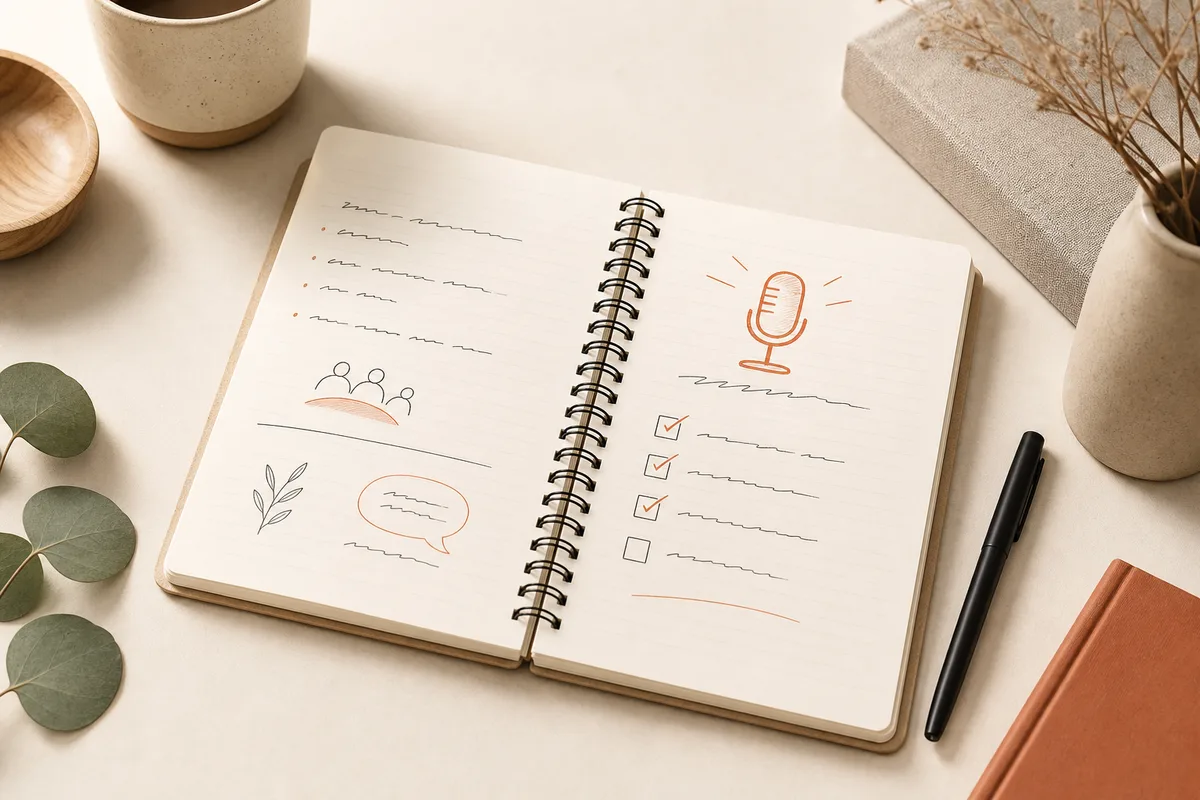
Meeting minutes are one of the best first AI projects for professional services teams — low risk, high visibility, and measurable from week one.
In engineering firms, construction, and professional services, one irritant keeps coming back: notes taken in a rush, drafted in the evening, formatted by hand, and emailed in conflicting versions. Action items get buried in prose. Hours disappear every week — and every cycle carries a risk of error or omission.
That's why I almost always recommend automated meeting notes as a pilot: the work is repetitive, the impact is visible immediately, and a human can stay accountable for what gets sent.
At a glance
- Meeting notes check every box for a safe AI pilot: repetitive, measurable, and easy to validate before distribution.
- A good workflow is capture → structure → validate → distribute — with a human in the loop at step three.
- Start with one meeting format (site meetings or internal check-ins) before expanding to other document types.
- A successful pilot builds trust for the next automation — that's often more valuable than the hours saved.
Why meeting notes make a strong pilot
| Criterion | Automated meeting notes |
|---|---|
| Repetitive | Yes — same structure, every week |
| Visible impact | Yes — time recovered immediately |
| Controlled risk | Yes — a human validates before sending |
| Measurable | Yes — hours before/after, time to publish |
Compare that to a project touching payroll or billing: meeting notes are ideal learning ground. The team sees results without betting the business on day one.
What a good workflow looks like
- Capture — notes or audio recording (with consent)
- Structure — AI proposes sections: attendees, decisions, actions, deadlines
- Validate — someone reviews and edits (5–10 minutes, not 60)
- Distribute — automatic send to the right people, archive in the right place
A human stays accountable. AI removes the mechanical work of formatting and rewriting. That's the pattern I use across operations work: technology handles repetition; people handle judgment.
Mistakes to avoid
- Sending without review ("the AI said…")
- Ignoring domain vocabulary (a generic template produces generic output)
- Forgetting privacy (where do audio and text go?)
- Trying to cover every meeting type at once
Start with one format. Prove the workflow. Then expand.
Typical results from a successful pilot
- 50–70% reduction in drafting time
- Same-day publication instead of day +2
- Better tracked actions — fewer "I thought you had it"
- Team more willing to try other automations afterward
That last point is critical: the pilot builds trust for what comes next.
Beyond meeting notes
Once the workflow is solid, the same principles apply to other repetitive documents: progress reports, email summaries, client follow-up sheets. One measured success opens the door to more wins — that's the "Expand" step in how I approach automation with clients.
Related on this site
If your meetings produce more paperwork than decisions, let's book a call. In one conversation we can estimate whether a pilot is worth it — and at what scale to start.