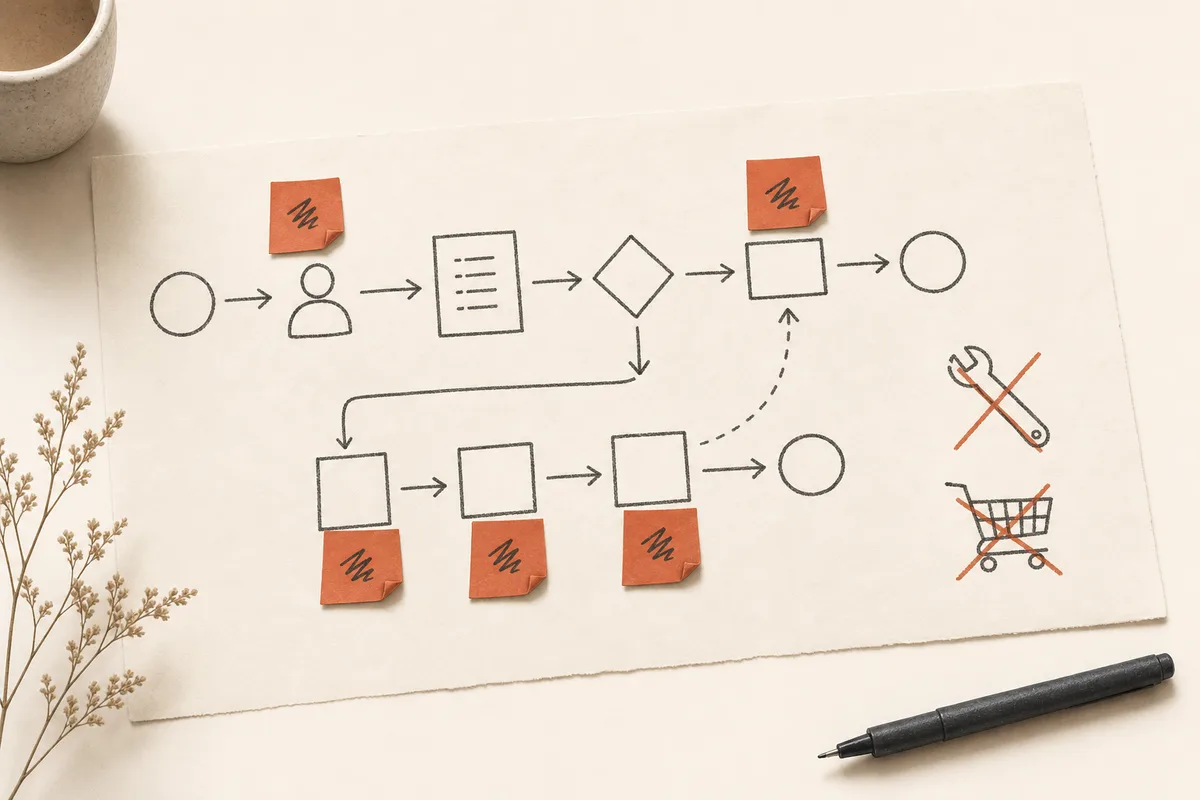
"What tool should we buy?" is the question I'm asked most often — and almost always, it's the wrong question.
Software doesn't fix a fuzzy process. It accelerates it — sometimes in the wrong direction. After 25 years supporting operations teams, I've watched too many budgets wasted on promising tools nobody connected to ground reality. Before any technology recommendation, I almost always suggest the same thing: map the friction. Half a day of honest mapping often saves months of disappointment.
At a glance
- Tool failures usually trace back to unclear workflows, not budget
- Five-step exercise: list, estimate time, spot information loss, identify roles, rank by impact
- Four common friction types — double entry, search, coordination, production — each need different responses
- After analysis, only three options: adjust process, configure existing tools, add targeted automation
Why technology purchases disappoint
From my experience with operations, security, and platform teams, failures often look like this:
- The tool promises to "automate everything," but no one mapped the real workflow
- Two departments do the same task differently — the tool only picks one
- Training is minimal; six months later everyone is back in Excel
- Success metrics were never defined
The problem isn't budget. It's lack of operational clarity before purchase. In Quebec, where many SMBs juggle French and English across tools, confusion about "where the truth lives" often makes it worse — two copies of the same report, neither designated as the reference.
Mapping friction: half a day that saves months
Before any technology recommendation, I often suggest a simple exercise:
- List repetitive tasks for the target team (no judgment)
- Estimate weekly time spent on each
- Spot where information enters, exits, transforms, or gets lost
- Identify who decides, who executes, who validates
- Rank by potential impact and ease of change
No fancy BPMN (business process modeling notation) required. An honest table is enough. The exercise works best with three to five people from the floor — not just leadership or IT.
The four friction types I see most
| Type | Example | Typical path |
|---|---|---|
| Double entry | Same info in three tools | Integration or single form |
| Search | "Where's the latest version?" | Filing and naming |
| Coordination | Endless manual follow-ups | Automated reminders |
| Production | Reports assembled by hand | Templates and extraction |
Each type calls for a different response — not the same generic platform for everything. Confusing "double entry" with "coordination" almost always leads to the wrong purchase.
Buy or build? The real question
Once friction is understood, only three options:
- Adjust the process with no new tool (often underestimated)
- Configure what you already have (often enough)
- Add a targeted tool or automation (when the rest is clear)
Jumping straight to the third option means paying twice: for the tool and for cleanup afterward. I watched a manufacturing SMB spend $40,000 on licenses before realizing a standardized Excel template and naming convention solved 70% of their "search" problem.
What your teams will tell you if you listen
People on the ground know where it hurts. They also know what they don't want to lose — autonomy, flexibility, client relationships. A good project starts with their reality, not a vendor demo.
That's the core of my role bridging operations and technology: translate friction into concrete, measurable, progressive options. This Understand real work series took you from firefighting to mapping. The logical next step — Automate with discipline — starts from that map, not an RFP (request for proposal).
Where you are
The hidden cost of technical debt gave you language for debt; this article turns observation into a friction map. The Automate with discipline series begins with Too small for automation?.
Ready to map before you buy? Let's start with one process — a half-day can be enough to see where friction really lives.